Health score & SMART
Full SMART attributes plus a clear 0–100 score and Good / Caution / Warning / Critical verdict.
 Ferrite
Ferrite reads full SMART data, scores each drive's health, maps the surface for bad sectors, benchmarks speed, and watches your drives in the background — a native Windows app that never writes to your data.
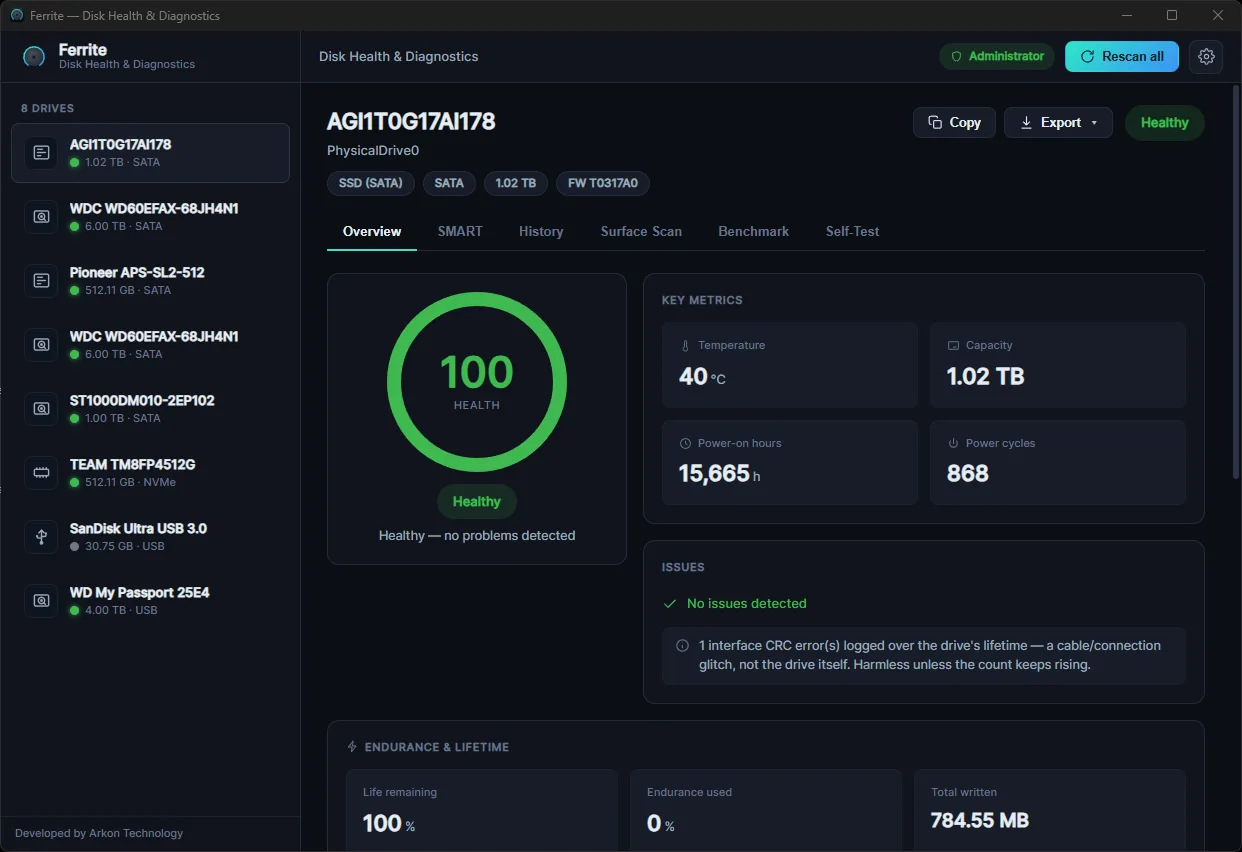
Full SMART attributes plus a clear 0–100 score and Good / Caution / Warning / Critical verdict.
NVMe health log, wear %, and estimated remaining life.
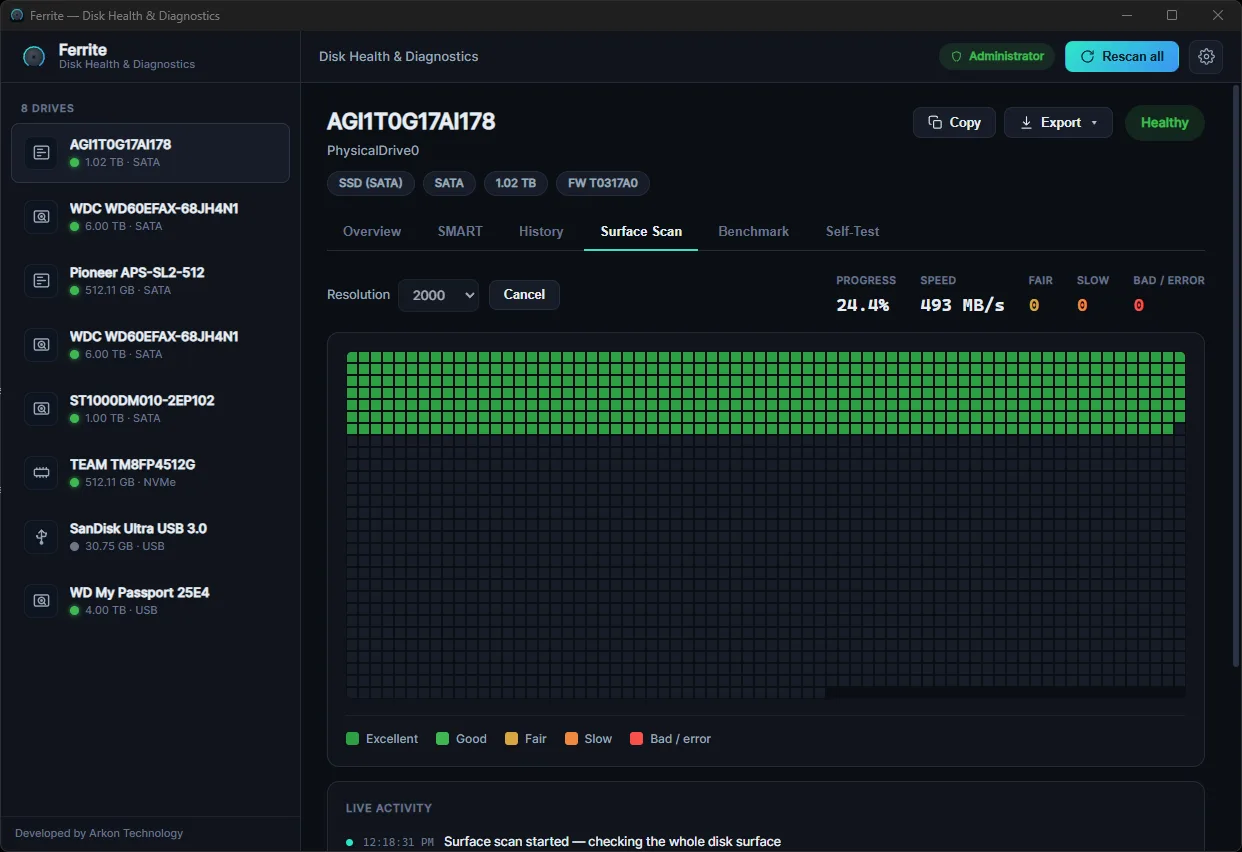
Non-destructive read across the whole surface — maps slow & bad sectors on a live grid. Full-read mode checks every sector.
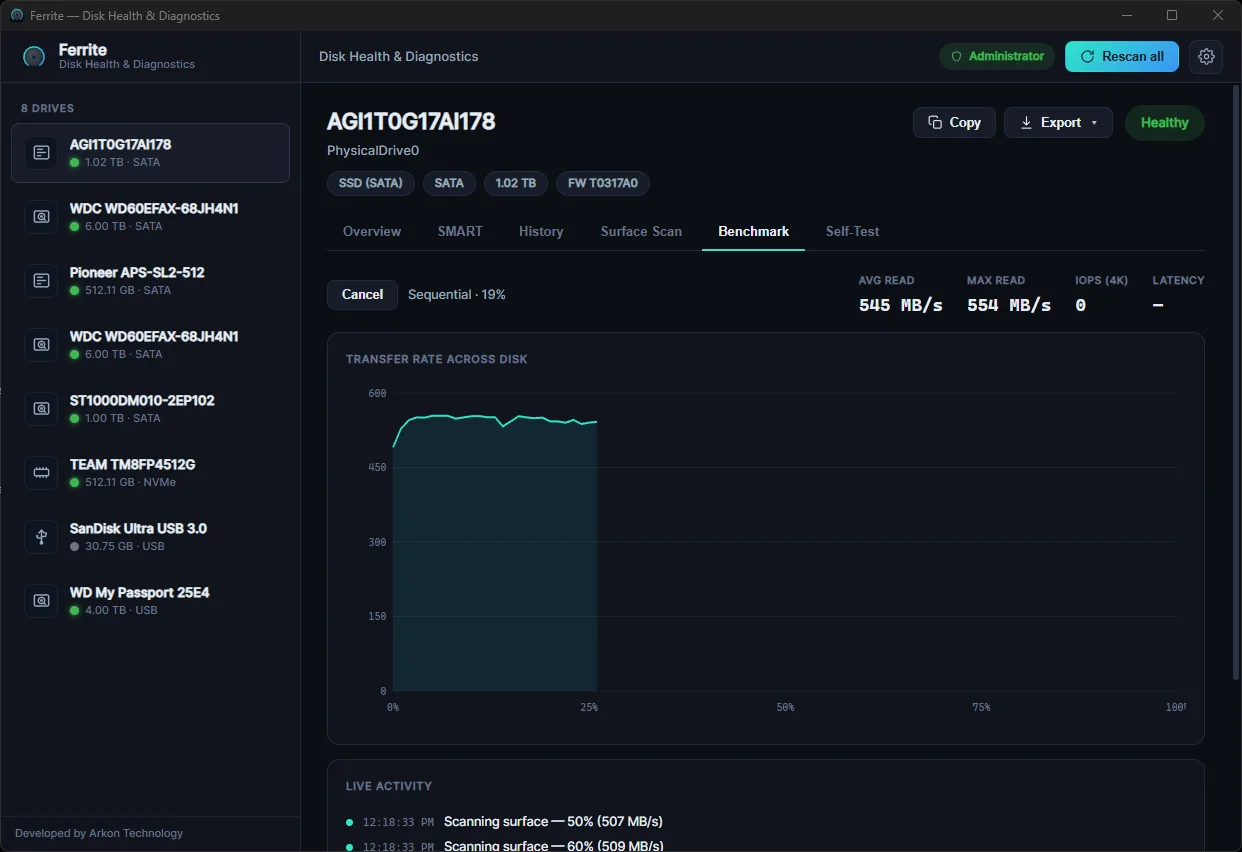
Sequential transfer curve plus random 4K IOPS / latency.
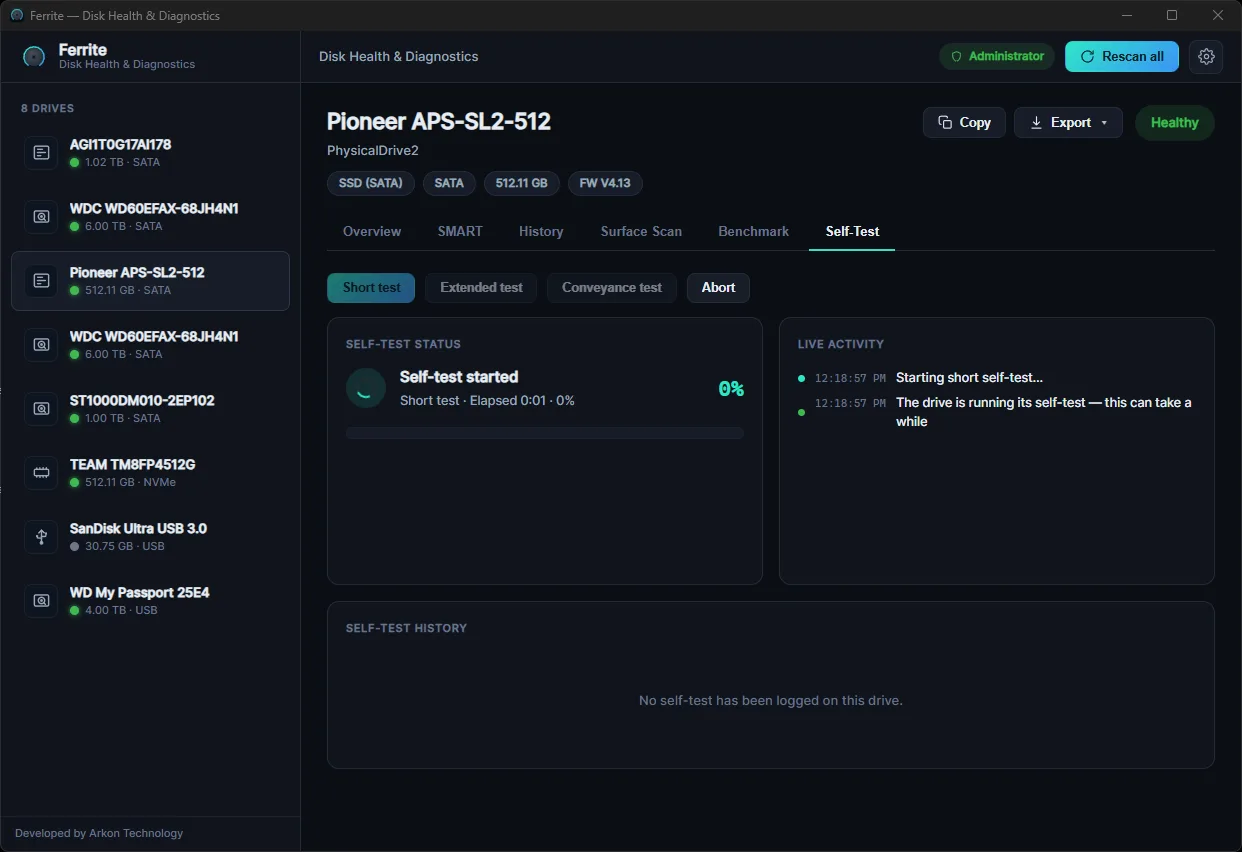
Trigger ATA & NVMe self-tests, on a schedule.
Background tray monitoring, temperature warnings, and optional email alerts.
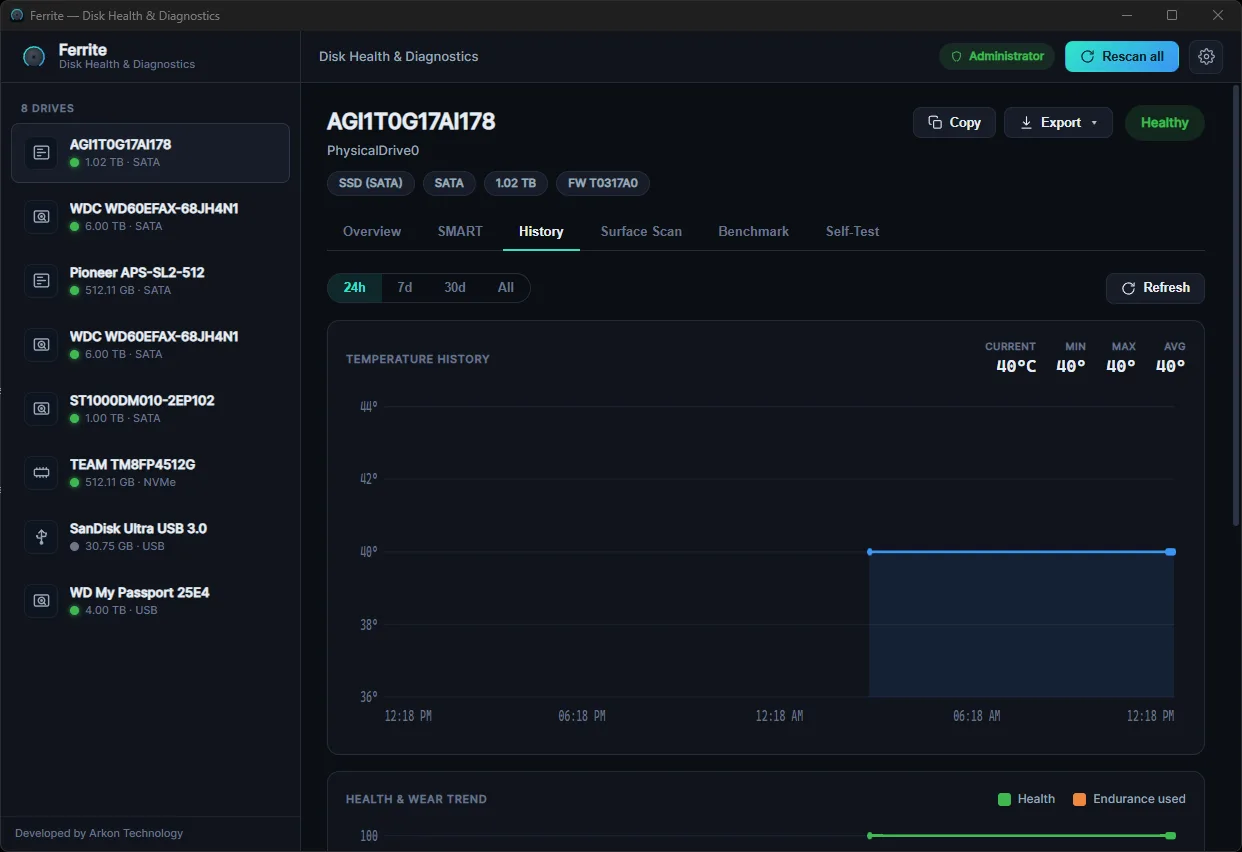
Persistent temperature / health / wear trends over time.
Export a health report (HTML / CSV / JSON / text).
SATA SSD & HDD, NVMe, USB externals, flash / memory cards.
Read-only — never writes to your drives.
A tiny Rust core behind a modern interface — a ~3.5 MB installer, not a 150 MB Electron app. Fast to open, light to run.
Ferrite opens drives for reading only and never writes to them. Inspecting your storage should never put your data at risk.
It works at the physical-drive level — reading SMART, health and surface even on unformatted or RAW disks Windows can't mount.
$29.99 from 2027 · one-time, perpetual license
Secure checkout via Polar — we never see your card. VAT/tax handled by Polar.
Download the installer (free to download) and run it.
Buy a license on Polar for $3.99 → get a FERRITE-… key by email.
Paste the key into the app's activation screen. Done.
During the beta the installer isn't code-signed yet, so Windows may show a SmartScreen “Unknown publisher” prompt. Click More info → Run anyway. Signed builds are coming.
No. Ferrite is read-only by design — it opens drives for reading only and never writes to them.
Yes. Ferrite works at the physical-drive level, so it reads SMART, health and the surface even on disks Windows can't mount or that have no filesystem. (If Windows asks to “initialize” a new disk, you can cancel — Ferrite doesn't need it.)
Up to 3 devices. You can deactivate a device from your Polar customer portal to free a slot.
During the beta the installer isn't code-signed yet. Click More info → Run anyway. Signed builds are coming.
SATA SSDs & HDDs, NVMe SSDs, USB external drives, and flash / memory cards. Windows 10/11 (x64).
Handled by Polar (our payment provider) per their terms.
Not yet — Windows first; macOS is planned.